You already own the computer.
A portable oscilloscope that acquires the signal and sends it to your browser. No screen to pay for, no software to install, and, once built, a measurement session a second person will be able to join from anywhere.
The situation
Bench measurement is rationed
Teaching laboratories are shared, oversubscribed, and open only during scheduled hours. A student who needs an oscilloscope at the moment the work demands one frequently cannot get to a bench.
Buying a personal instrument solves access, and it means paying for a screen, a processor and a battery that duplicate the computer already on the desk.
The approach
The hardware does one thing
The instrument performs a single function to a high standard: accurate signal acquisition. Everything else runs in a browser on the computer already in front of you.
- Connect. Over USB. Nothing is installed.
- Acquire. The hardware samples the signal and streams it out.
- Work. Display, measurement, FFT, mathematics and storage all run in the browser.
Removing the screen, the processor and the battery removes most of what a bench instrument costs to build.
Try it now
The scope works today, on a board you may already own
While the M1 is being built, its software already runs. Upload a short sketch to an Arduino Uno, an ESP32 or a Raspberry Pi Pico, plug it in by USB, and the scope page turns it into an oscilloscope in your browser. No board to hand? The demo board runs inside the page.
- See the signal. A live trace with a trigger, time and volts per division. Show time and spectrum (FFT) together or let the spectrum fill the screen. A spectrogram shows frequencies changing across captures.
- Measure it. Frequency, period, peak to peak, minimum, maximum, mean, RMS and duty cycle, updated with every capture. Rest the pointer on the trace, or tap it on a phone, to read any point, or place two cursors.
- Explore the frequencies. Zoom into a span, choose a window, average the spectrum or hold peaks, and read tones with markers and a peak table. Harmonic and noise estimates help you investigate distortion, within the limits of the board and signal.
- Go back and compare. Step back through the last 100 captures, keep one as a reference trace and spectrum, and chart any measurement over minutes or hours.
- Take it with you. Save a capture or spectrum as CSV, save the screen as a picture, or copy the measurements straight into a lab report.
| Board | Sketch | Fastest sample rate |
|---|---|---|
| Arduino Uno | C++ | 8 000 samples a second |
| ESP32 DevKit | C++ | 20 000 samples a second |
| Raspberry Pi Pico, Pico W, Pico 2, Pico 2 W | C++ | 200 000 samples a second |
| Raspberry Pi Pico, Pico W, Pico 2, Pico 2 W | MicroPython | 50 000 samples a second |
The fastest rate each sketch offers, checked on our own boards (Arduino Uno, ESP32 DevKit, Pico and Pico 2 W) on 16 and 17 October 2026. Works in Chrome, Edge, and Firefox 151 or later, on a computer.
Open the scopeWhere this is
In development, and not finished
The M1 is a prototype. Today the browser scope on this site reads real signals from an Arduino Uno, an ESP32 or a Raspberry Pi Pico. That is the part you can try now.
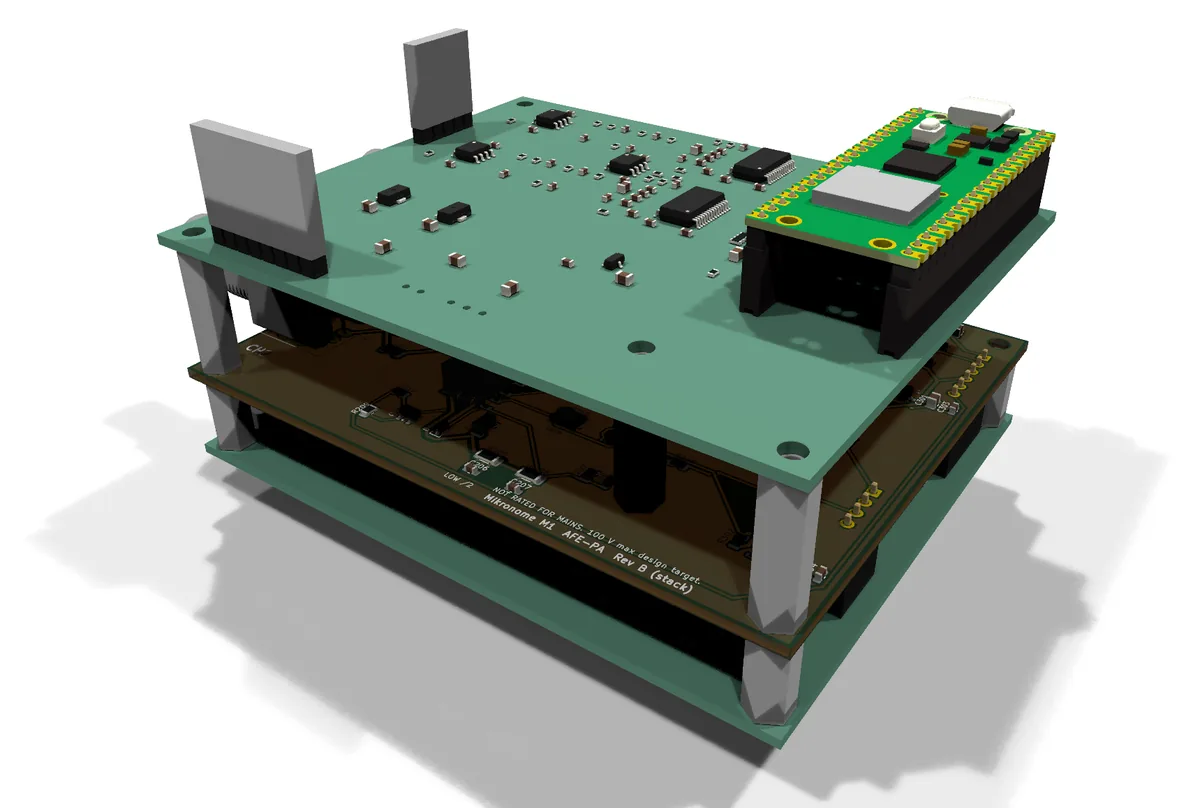
The M1’s own front end is now designed as three circuit boards that stack inside a printed case: input protection and range switching, then gain and offset, then filtering and conversion with a Pico 2 W. The path from the probe to the browser has been checked in simulation. None of it has been built or measured yet; making the first boards is the next step.
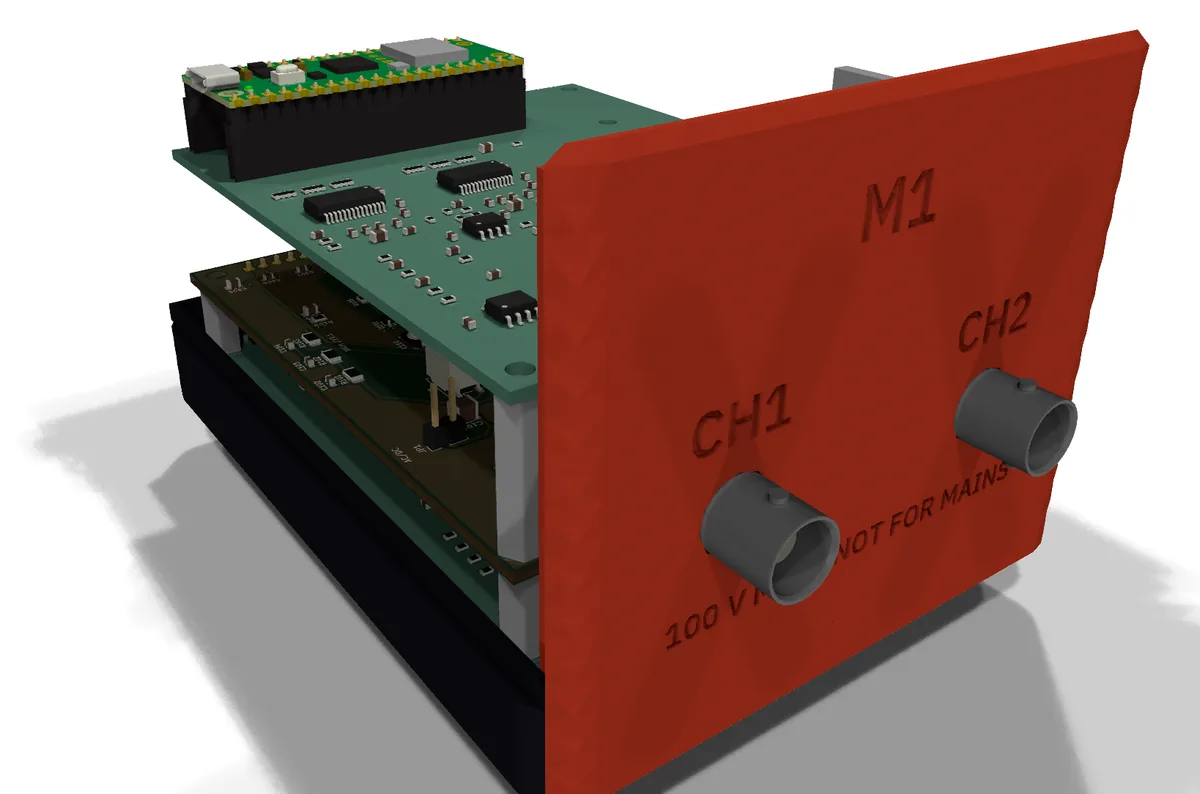
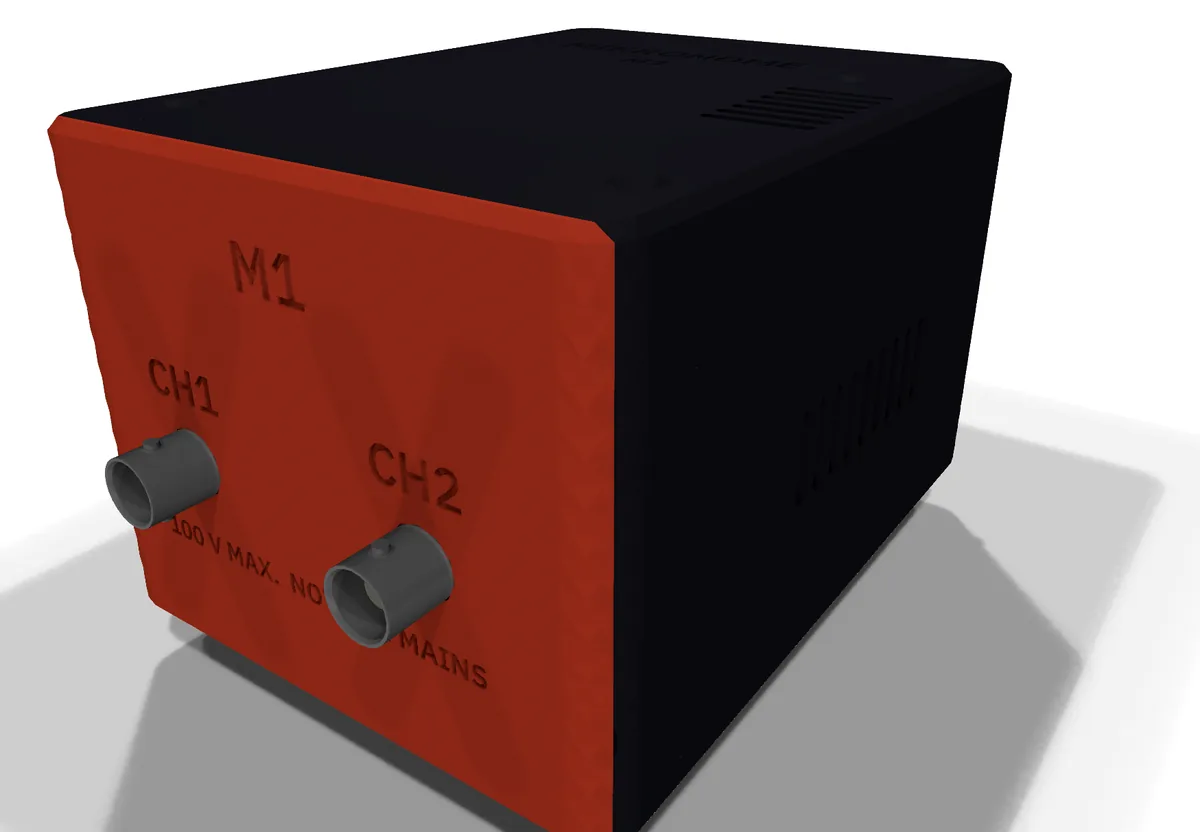
We are targeting up to 1 MHz of analogue bandwidth across two channels. That is a target rather than a measured result, and it will be revised in public if the hardware says otherwise.
There is no price, no release date, and nothing to buy. The waitlist is how we will tell you when that changes.
One email
Hear when it is ready
Leave an address and we will email you once, when the instrument is available. Not a newsletter, not an update list. One message.
Telling us what you do is optional, and it helps us understand who this is useful to.
Tell us
What should we build next?
A feature you would like, something in the scope that did not work, or anything else. It goes straight to the four of us building Mikronome.
Nothing about you is needed. If you would like an answer, tick the box and leave an address; we use it only to reply, and delete it after 90 days.
Who is building it
Four engineering students at Wits
Mikronome is being built by four Electrical and Information Engineering students at the University of the Witwatersrand in Johannesburg, as a venture inside the ELEN3018A Economics of Design course.
We are not an oscilloscope company. The oscilloscope is the first instrument. The same approach, moving the display and the processing into a browser, applies to function generators, logic analysers, data acquisition units and power supplies.
Back the next stage
Support or invest in Mikronome
The design work is done on a student budget. The next stage, making and testing the first boards and then a small batch of instruments, is where outside support would change how fast this moves.
If you would like to support the venture or talk about investing in it, write to us at hello@mikronome.com and tell us a little about yourself and what you have in mind. We will reply with where the project stands and what we need.
This is an invitation to start a conversation. It is not an offer of shares, and nothing here promises a return.
Email us about investing